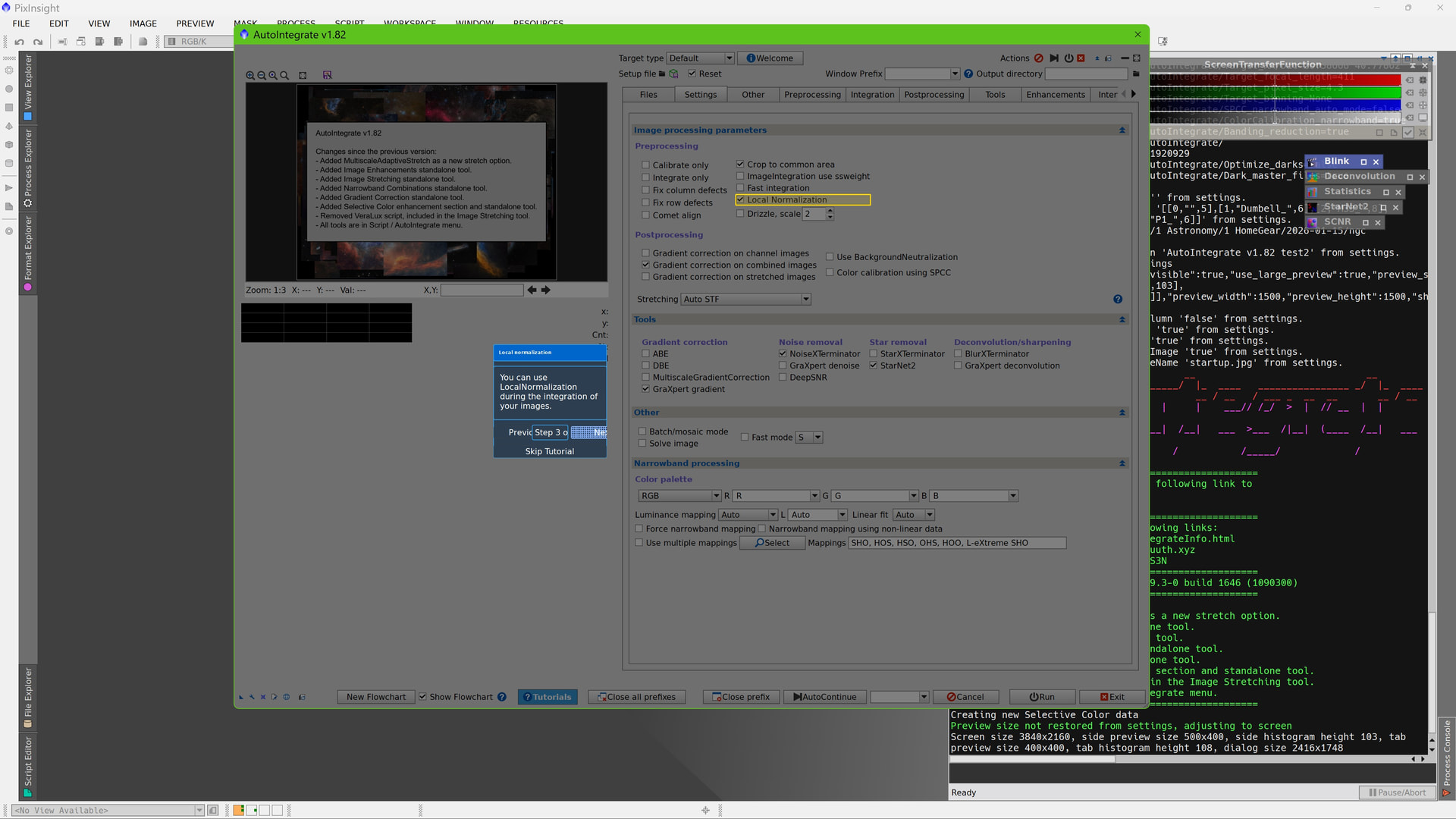
AutoIntegrate version v1.79 includes an interactive tutorial system that teaches you the script hands-on, right in the interface. When you start a tutorial, the script highlights the controls you need and displays helpful tips that explain what each feature does.
Available Tutorials:
- Getting Started - Learn the essential workflow: add your files, choose a target type, and run your first integration. Perfect for new users.
- File Management - Master organizing your input and and output files.
- Processing Settings - Explore processing options like cropping, gradient correction and stretching.
- Comet Processing - Learn how to process comet images using specialized techniques.
The tutorial system automatically navigates between tabs, highlights relevant controls with animated borders, and tracks your progress. You can pause, go back, or skip ahead at any time.
Access tutorials from the “Tutorials” button in the main dialog, or run them automatically from the welcome screen on first launch.
Please let me know if you have any ideas for Tutorials that should be added!
Latest version can be found from the repository https://ruuth.xyz/autointegrate/